


















Modern vocal productions are big. A lead, a double, a couple of harmony parts, an octave layer, whispers, ad-libs, and stacked backing vocals on every chorus. Getting all of that tight is where the hours disappear: pick a guide, align a track, jump to the next one, align it, check the timing, go back, repeat. By the time the stack is sitting right, the creative spark that started the session is long gone.
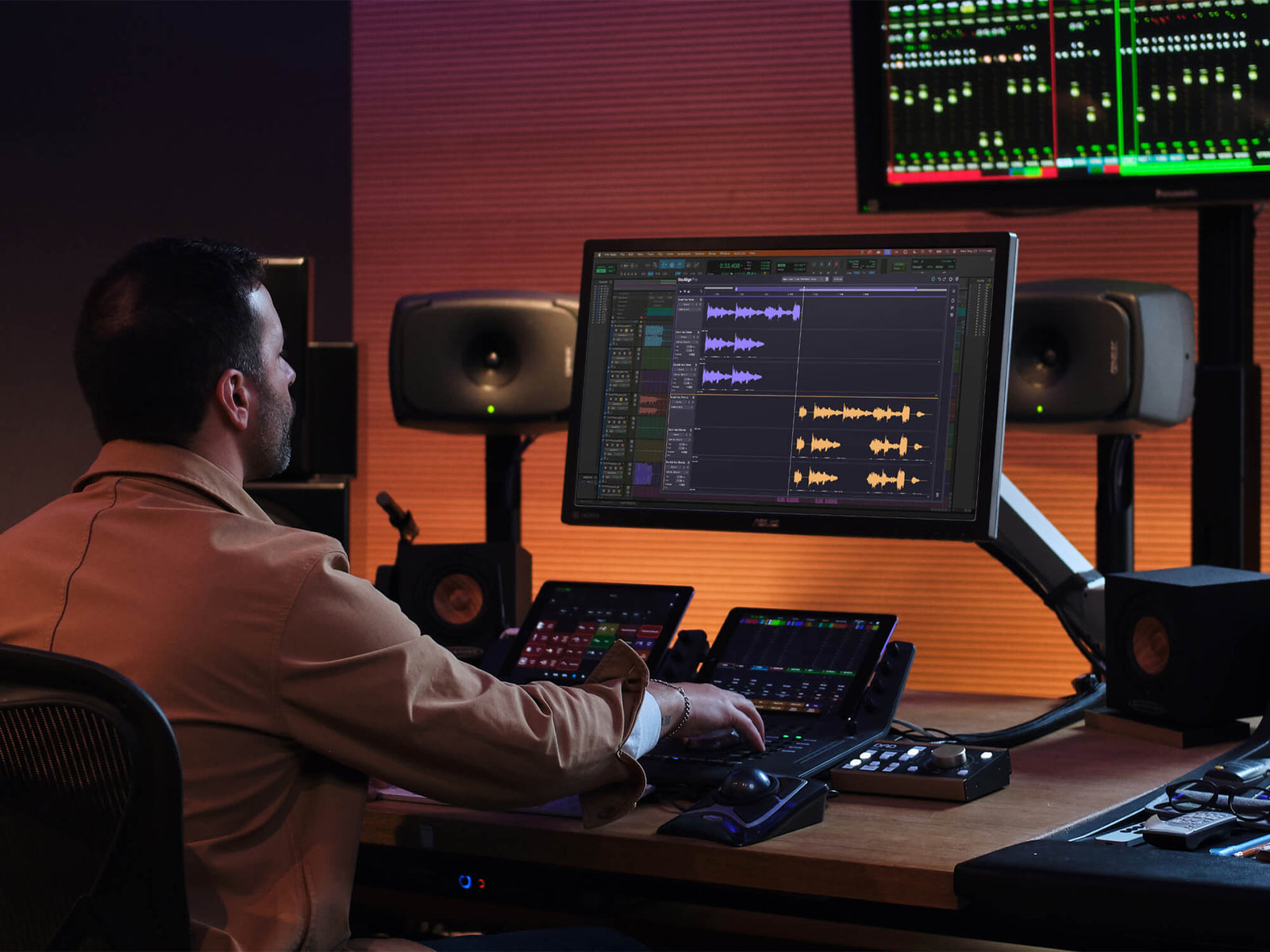
Synchro Arts has just released VocAlign 7, and the big change is aimed directly at that grind. For the first time, the plug-in gives you a multitrack workspace where every vocal in your session can be viewed, managed and aligned from a single window. Synchro Arts is calling it the most significant workflow advancement in VocAlign's history.
Let's dive into what makes this a game-changer for your vocal editing.
One Window, the Whole Vocal Stack
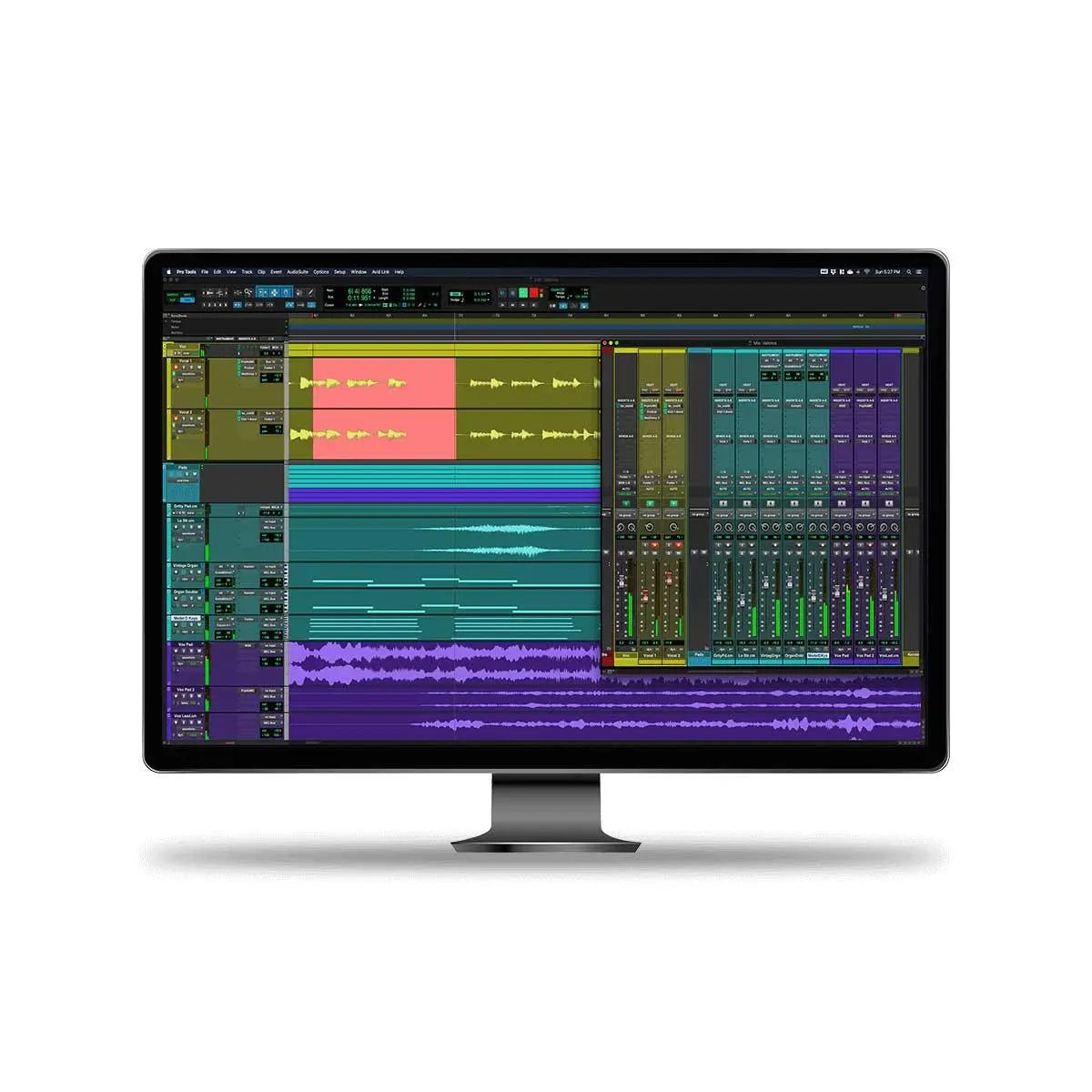
VocAlign has always worked on a simple idea: nominate a guide track, and the software nudges the other performances into line with it while keeping the natural sound of the voice. What's new is how you get there. Rather than switching between layers one at a time, VocAlign 7 displays them all together, rather like a self-contained DAW timeline for your vocals.
That means you can align multiple tracks in one operation instead of working through them individually. For a chorus with eight or ten layers, that's a serious time saving, and it keeps you looking at the stack as a whole, which is how the listener hears it.
Precision Where You Need It, Global Where You Don't
Track-based pitch and timing control lets you decide how broad your edits are. Apply corrections across the whole session when you want consistency, or drill down to an individual track or clip when one part needs special handling.
Visual energy analysis helps you spot trouble fast, giving you visual feedback across all tracks so misaligned phrases stand out before you've even hit play. And creative formant control opens up sound-design possibilities: shape the tone of a vocal stack, build convincing doubles from a single take, or add width by shifting formants independently on different layers.
Tuning and Timing That Stay in Sync
If you use Synchro Arts' pitch-correction tool RePitch 2, the updated SynchroLink 2.0 is worth noting. It provides tighter integration between VocAlign 7 Pro and RePitch 2, keeping tuning and alignment synchronised throughout the editing process so one doesn't undo the other.
The Specs at a Glance
- Multi-Track View: see every vocal in one workspace and align several tracks at once.
- Track-based pitch and timing control: global corrections or per-track and per-clip adjustments.
- Visual Energy Analysis: visual feedback across all tracks to pinpoint alignment problems quickly.
- Creative Formant Control: independent formant shaping for doubles, stacks and stereo width.
- SynchroLink 2.0: tighter tuning and alignment sync between VocAlign 7 Pro and RePitch 2.
- Editions: VocAlign 7 Standard and VocAlign 7 Pro.
- Formats: VST3, AU and AAX.
- System requirements: macOS 10.14 or later; Windows 10 or later.
Who Is VocAlign 7 For?
If you produce pop, R&B, worship or any genre built on stacked vocals, this is the update you've been waiting for. Engineers doing ADR and dialogue replacement will appreciate the faster workflow too. And if you're already a VocAlign 6 user, the upgrade pricing makes the move to a multitrack workflow an easy decision.
The real appeal is time. Less clicking between tracks means more attention on whether the stack actually feels right, and that's where great vocal productions are made. You can shop Synchro Arts at Koala Audio for VocAlign, RePitch and the rest of the range.