


 $687.50 AUD
 $456.80 AUD
$572.90 AUD
$456.80 AUD
$572.90 AUD $399.00 AUD
 $649.00 AUD
$699.00 AUD
$649.00 AUD
$699.00 AUD $149.00 AUD
$199.00 AUD
$149.00 AUD
$199.00 AUD
armada lets you use your VST3 plug-in arsenal on your entire Dolby Atmos mix, Higher Order Ambisonics, any given channel layout from mono to 9.1.6 to NHK 22.2, Auro 3D, Eclipsa or whatever will be invented in the future. Load armada as VST3, AU, AAX or OBAM plug-in into your favourite DAW or into the Master Channel in our Dolby Atmos Composer and our Mastering Console. The intuitive and rapid workflow helps you keep the overview even in the most complex and demanding mixing scenarios.
The Fiedler Audio workflow is what really sets it apart from others. You can keep your entire creative track creation open and available from the demo, to final, to stereo and Atmos mix. All while staying in your original creative DAW. Changing panning, levels, or effects never need to be compromised by getting locked into pre-mixes.
Jay Rifkin (Hans Zimmer, Whitney Houston, Disney (Lion King), Iggy Pop, Jennifer Rush, Tangerine Dream, Duran Duran, Laura Branigan, Emerson, Lake and Palmer, Placido Domingo)
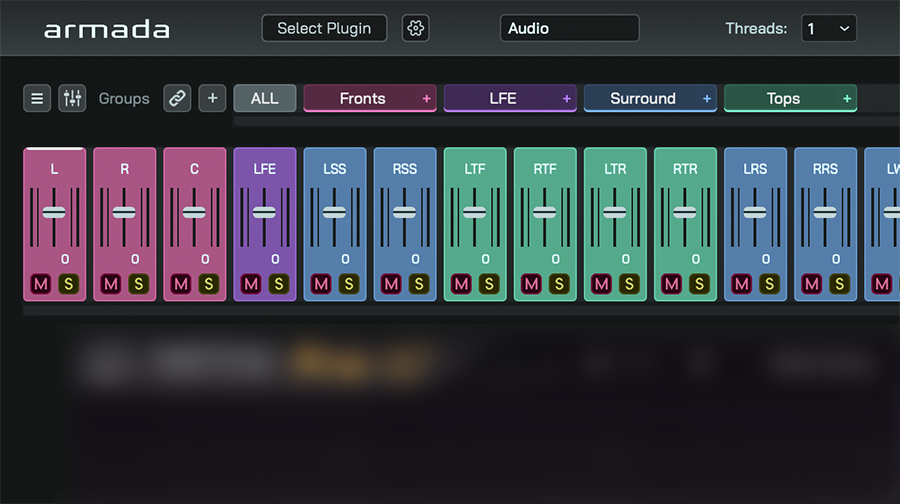
armada lets you load your favourite VST3 effects on anything, from mono and stereo up to 128 channels. Process any channel layout, Higher Order Ambisonics and entire Dolby Atmos mixes in the DAW of your choice. Finetune armada's output with the channel mixer.
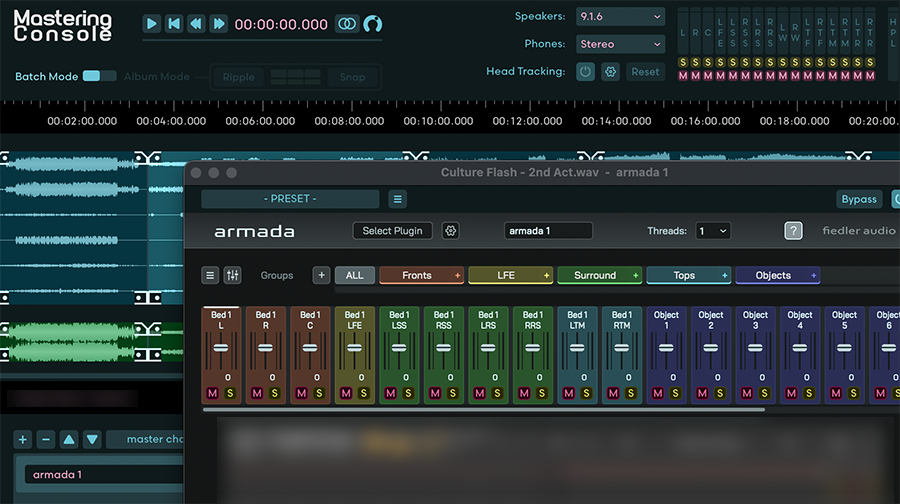
As an OBAM plug-in loadable into the Dolby Atmos Composer and the Mastering Console, armada is the only way of processing an entire Dolby Atmos mix with any VST3 effect plug-in in one instance. Unmatched ease of use and speed, even for the most complex mixes.
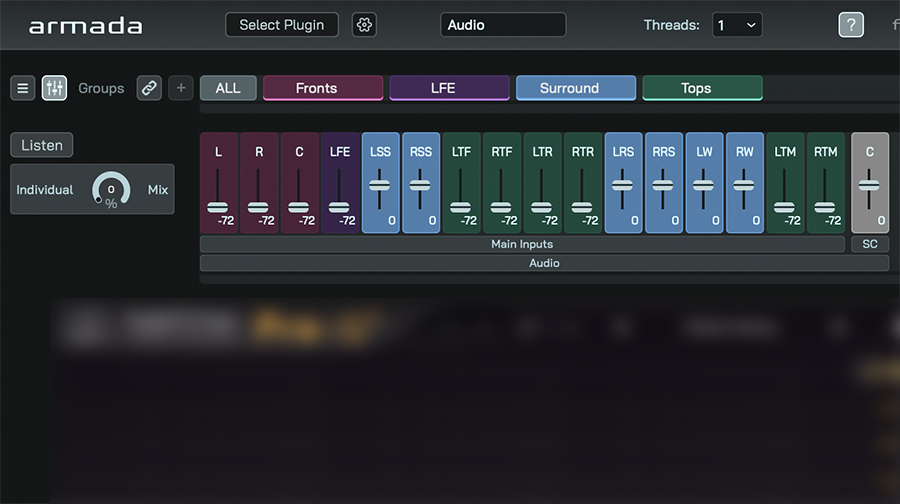
Link processing across an arbitrary number of armada instances using the sidechain feature in global groups. Use the sidechain mixer to customize what is going into the sidechain input of the loaded VST3 plug-in.
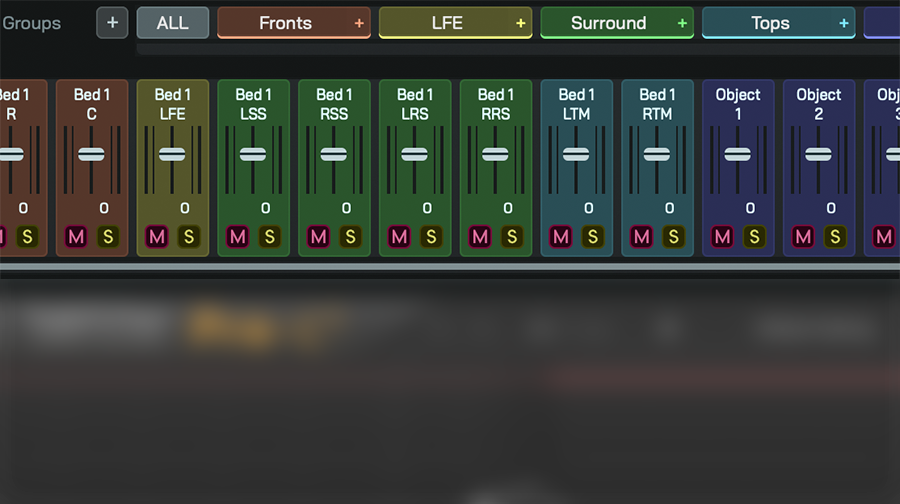
Group your channels in a meaningful way for applying individual settings to the effects processing them. Use global groups for linking various instances accross your mixing session.
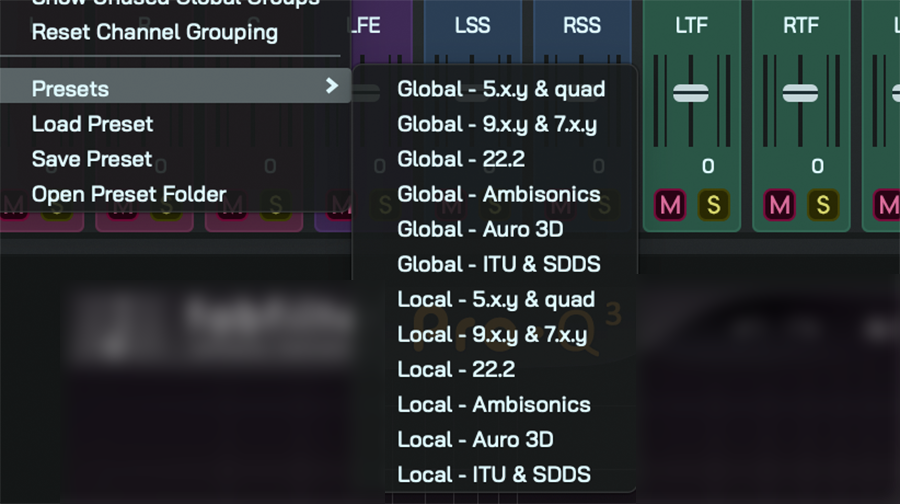
armada has a built in preset system for splitting your channels into meaning full groups. Create your own presets for custom grouping and re-using them across your mixing and mastering sessions.
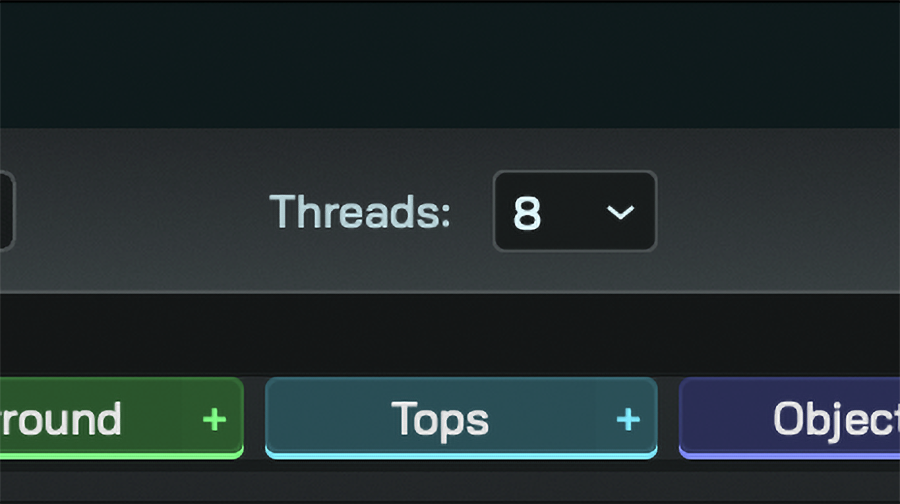
When loading a demanding VST3 plug-in into a multichannel environment the multithreaded audio procesing engine in armada can come in handy. Adjust the number of threads per armada instance to the needs of your session.