


PHONE HOURS 10AM - 4PM (AEST) MO-FRI
PHONE (02) 6189 8219
Studio Furniture
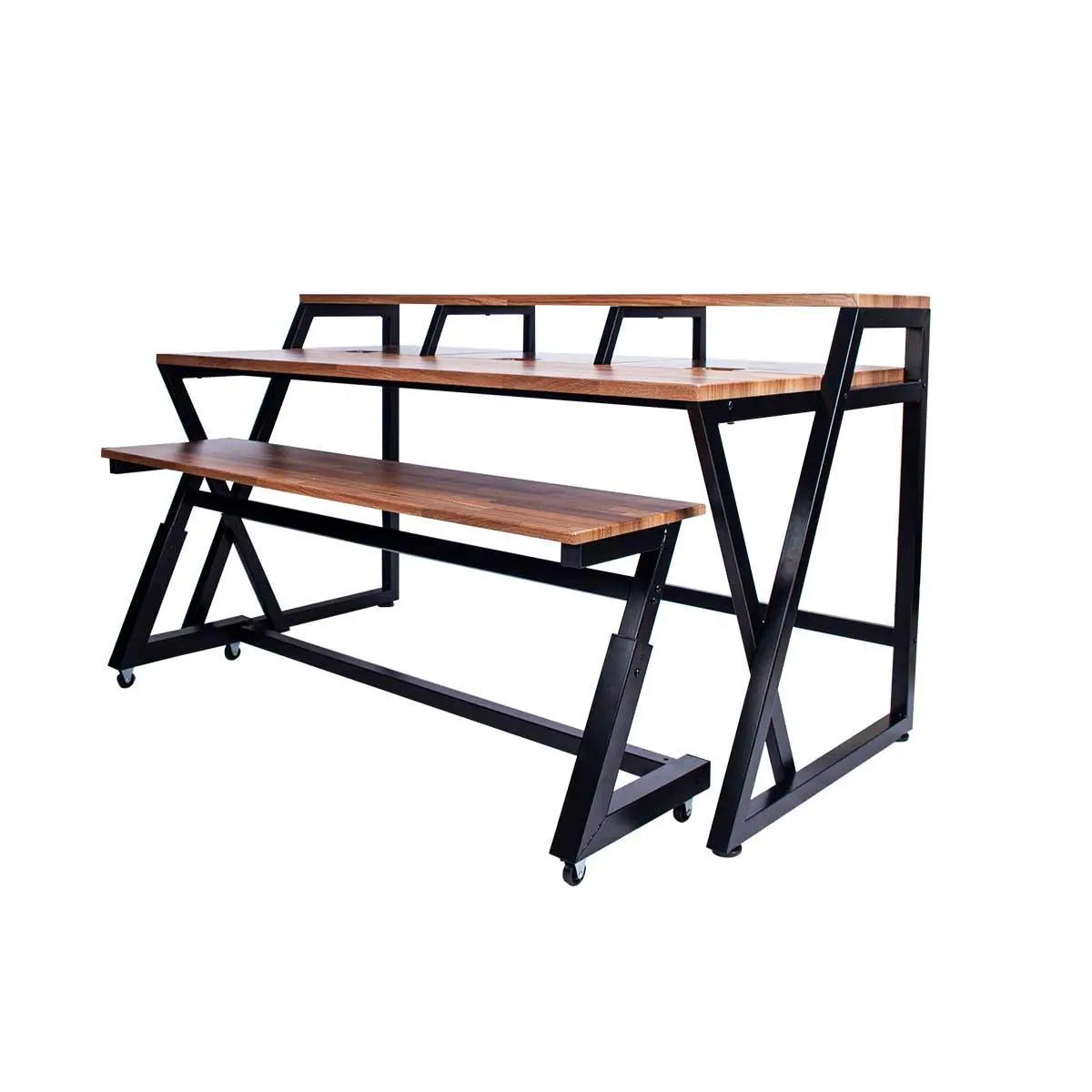
Wavebone HEADQUARTER Z Ergonomic Studio Workstation with Height-Adjustable Keyboard Trolley
from $1,529.15 AUD $1,799.00 AUDMusical Instrument Brands
Popular Software Brands
Music
Pre-Made Cables
Cable Brands
Connector Brands
Forget everything you know about DynAssist — VoiceAssist goes further. It’s your smart assistant for clean, consistent vocal and dialogue editing.
AI-powered denoising, dereverberation, frequency recovery, leveling, breath and sibilance control — plus many more tools to streamline your daily workflow. Everything stays under your control. Everything can be adjusted with VoiceAssist.
VoiceAssist is an AI-powered voice editing tool designed to clean up, restore, and enhance single-voice recordings. It’s made for podcasters, voiceover artists, content creators, and anyone working with spoken audio. Whether you’re dealing with noise, reverb, or just want a more polished vocal, VoiceAssist helps you get there faster—with less manual editing.
It’s optimized for situations like:
Interviews recorded in noisy places—on a street, a bike ride, or in a busy room—can be tricky. VoiceAssist can detect and reduce that background noise while keeping the voice clear and the scene natural.
With the Volume control in the Clean section, you can decide how much ambient noise stays in the mix. You get clarity without losing the “sense of place.”
Not recording in a treated studio? No problem. VoiceAssist can reduce room reflections from offices, churches, or other echoey environments. The result is a drier vocal that sounds like it was recorded in a well-treated room—making it easier to mix and polish.
Bad mic? Poor mic placement? If your recording sounds dull or muddy, VoiceAssist’s Bandwidth Extension AI (Recover Highs) recreates missing high-end frequencies. This brings back detail and brightness for a more balanced voice.
VoiceAssist doesn’t just clean up—it helps shape and enhance the voice:
Each breath or sibilant can be individually adjusted. You get detailed control—without manually cutting and automating every sound.
While VoiceAssist is AI-powered, it still gives you full manual control when you need it:
Whatever’s happening in your audio—you’re in full control.
All VoiceAssist processing happens on your machine. Nothing is uploaded to the cloud. Your audio stays local, secure, and private.
VoiceAssist is made for voice. It doesn’t work well on instruments or music tracks. If you need to process instruments—especially for leveling —check out DynAssist, which includes an instrument mode.
Recording a podcast with two people in one room? Each mic might pick up both voices. VoiceAssist may detect the “bleeding” voice as part of the main track and boost it—which can make editing harder.
Best practice:
Clean up voice bleed manually first. Then run VoiceAssist for denoising, leveling, and voice shaping.
VoiceAssist is a powerful tool for voice editing, cleanup, and restoration. Whether you’re fixing a noisy interview, reducing reverb, or polishing a studio vocal—this plugin can save you hours of manual work.
However, it’s not a one-size-fits-all solution. It’s optimized for single voice tracks and performs best when used in the right context. Stay aware of its limitations, and you’ll get the most out of what it offers.
| Category | Requirement |
|---|---|
| Mac | |
| CPU | Apple Silicon (M1, M2, M3, M4…) |
| macOS Version | macOS 12 or higher |
| RAM | Minimum 16 GB |
| Windows | |
| OS | Windows 10 (Version 1909 or higher), 64-bit only |
| CPU | Intel i5 or AMD equivalent |
| RAM | Minimum 16 GB |
| GPU |
Dedicated NVIDIA or AMD graphics card required (Integrated GPUs like Intel UHD or Iris Xe are not supported) |
| DAW Compatibility | |
| ARA Support | Required for plugin version |
| Supported DAWs | – Pro Tools (2024.10 or later) – Studio One – Reaper – LUNA – Cubase – Nuendo |
| Other DAWs | May work if ARA-compatible – use free trial to confirm |
| If No ARA Support | |
| Standalone App | Yes – all core features available |
| Workflow | Process audio in standalone → export → import back into DAW or video editor |
| Audio Capture | Not available (unlike DynAssist) |
| Trial Version | |
| Compatibility Test | Use the free trial to check if VoiceAssist works with your setup |