


















Twenty-four tracks in, and you're still staring at the same empty channel strip. You know what an SSL 4K sounds like when it's set well — that's why you bought it — but knowing the destination and finding the fastest route there are two different skills, and one of them costs you hours per session. Presets don't really solve it either, because a preset built for someone else's snare has never heard yours.
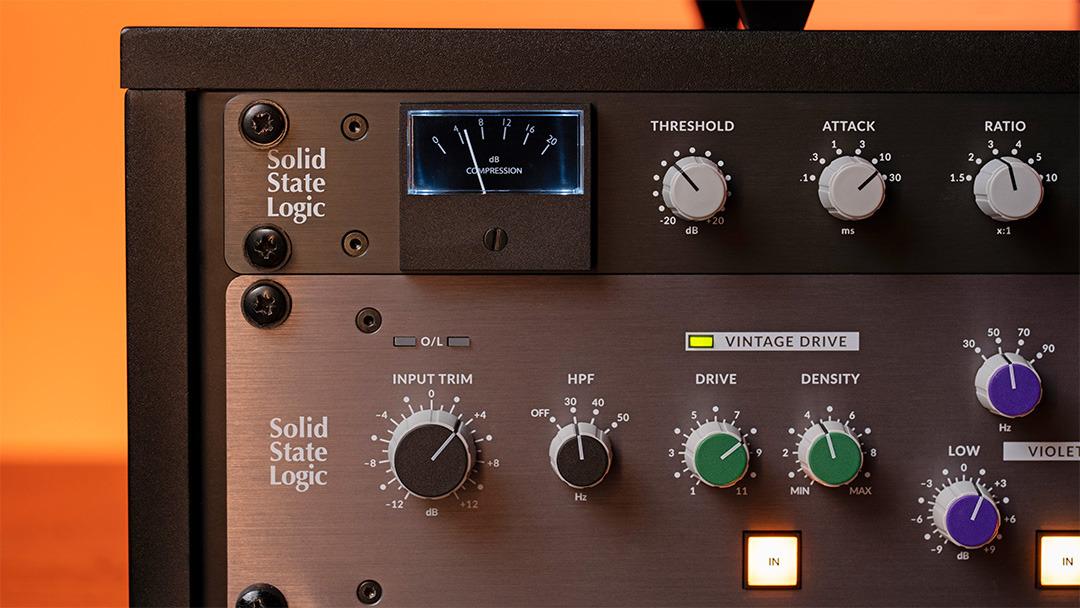
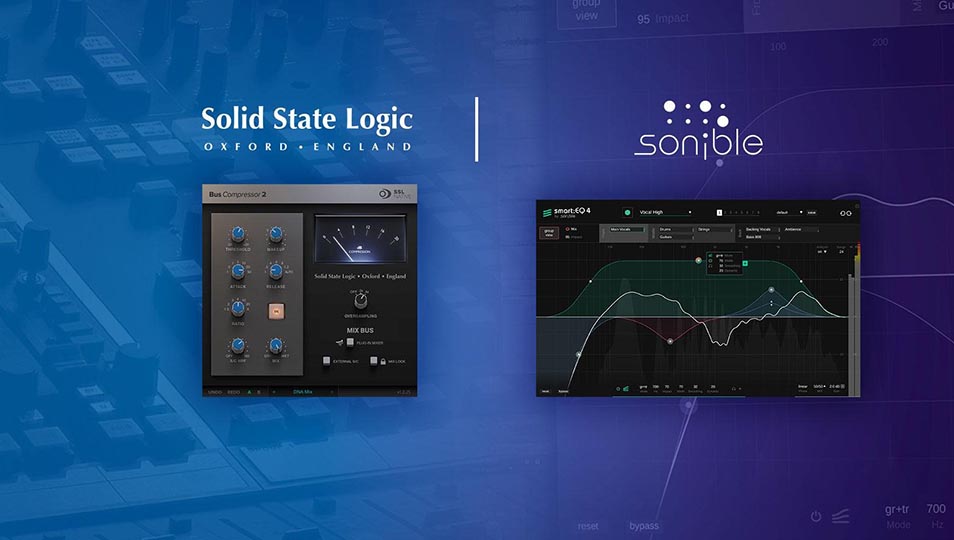
Solid State Logic has taken a swing at that gap with a set of optional sonible Assistance Add-Ons for the SSL 4K B, 4K E and 4K G channel strip plug-ins. Building on the company's autoSeries work, the add-ons drop sonible's AI analysis into the 4K workflow — without changing the console emulation you actually bought the plug-in for.
Let's dive into what makes this a game-changer.
One Learn Pass, Four Sections Set
The core idea is refreshingly narrow in scope. You run a Learn process, sonible listens to the audio moving through the channel strip, and it sets the Filter, EQ, Compressor and Gate sections simultaneously. Not a suggestion panel, not a separate parallel processor — it moves the same controls you would have moved, so what you end up with is a fully populated SSL channel strip you can then argue with.
That last part is the important distinction. SSL is explicit that the assistance behaves like an intelligent preset generator rather than a replacement for your judgement. Because the recommendations come from the actual audio being processed rather than a generic starting template, they tend to land closer to a usable sound than an arbitrary preset would — and from there every control is still yours.
Assistance That Gets Out of the Way
The whole thing lives in an Advanced Settings panel. Open it, generate your starting point, close it, and you're back to the classic 4K channel strip experience with nothing extra cluttering the interface. If you never want to see it, you never have to.
Within that panel there's more control than a single Learn button implies. Multiple EQ and Dynamics Styles push results in different tonal directions, an EQ Intensity control lets you dial the processing stronger or more subtle, and Section Locks let you protect a setting you're happy with while you regenerate the rest. Audition and Apply functions handle fast A/B comparisons so you can hear the difference before you commit to it.
What You Get
- Simultaneous setup across four sections — Filter, EQ, Compressor and Gate are all configured in a single Learn pass, rather than one section at a time.
- Style selection — multiple EQ and Dynamics Styles give you different tonal starting points for the same source material.
- EQ Intensity — scale the amount of processing up or down without re-running the analysis from scratch.
- Section Locks — hold on to the compressor settings you like while you explore alternative EQ moves.
- Audition and Apply — A/B the assisted settings against your own before anything is committed.
- The SSL sound, untouched — the assistance sets controls; the analogue modelling and non-linear character of the 4K emulation are unchanged.
- Sold per plug-in — available as an optional add-on for each of the SSL 4K B, 4K E and 4K G channel strips.
- Included in the SSL 4K Bundle — the bundle now ships with all three channel strips plus the new sonible add-ons.
Who This Is Actually For
SSL positions the add-ons around a few clear use cases, and they ring true. Building a solid mix foundation quickly is the obvious one — if you mix a lot of similar sources, getting twenty channels to a sensible starting point in minutes rather than an afternoon is a real change to how a session runs.
Less obvious, but arguably more valuable: it's a genuinely good learning tool. If you're still developing your EQ and dynamics instincts, watching an analysis-driven engine set the controls on your own material — and then reverse-engineering why — teaches more than reading another article about the 4K's shelf curves. And on the days when you've listened to a track so many times you've lost all perspective, an objective starting point is worth something.
The add-ons are for SSL's 4K channel strip plug-ins, which run in the usual VST3, AU and AAX formats on Mac and Windows. SSL hasn't published Australian pricing for the add-ons at the time of writing, so check with Koala Audio for local AUD pricing rather than working from the overseas store figure.
Ready to put an assistant engineer in your channel strip? Shop Solid State Logic at Koala Audio.