
















Softube has a reputation for blurring the lines between high-end analog hardware and digital precision. Their latest release, the FLOW Studio, takes that philosophy to the next level. It’s not just another MIDI controller; it’s a dedicated, hands-on command center designed to get you out of the "mouse-clicking" rut and back into the creative flow.
For the busy producer or engineer, time is the ultimate currency. FLOW Studio is Softube's answer to the friction of modern mixing.
Hands-On Control with an "Analog Feel"
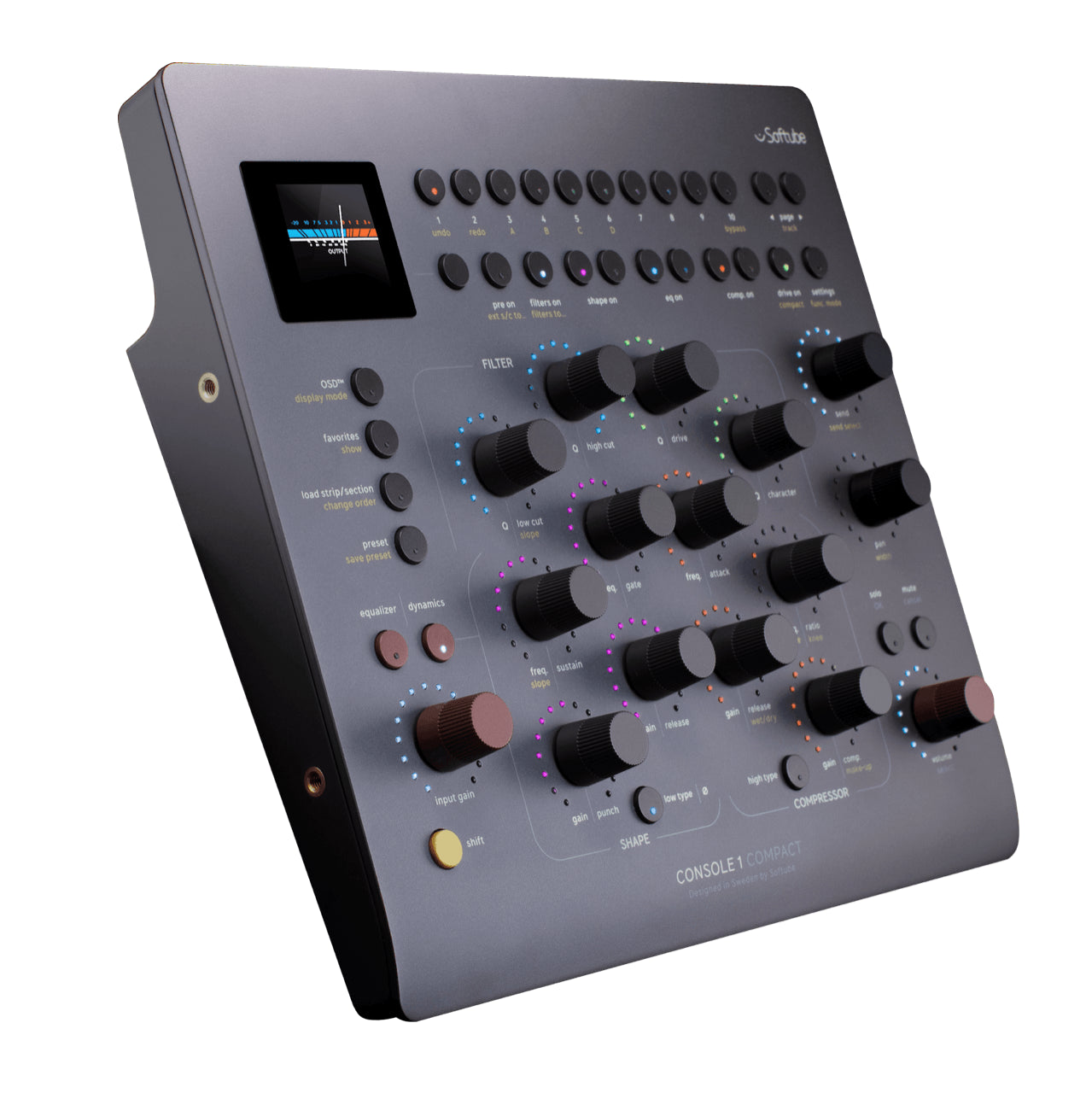
The first thing you’ll notice about the FLOW Studio is its footprint—compact enough for a crowded desk, but built for serious work. It features five "Analog Feel" touch-sensitive knobs. These aren't just standard encoders; they are macro controls capable of adjusting multiple parameters across several plug-ins simultaneously.
Need more power? The Omni Knob acts as your master controller, handling all eight macros at once or giving you instant access to essentials like input gain and output volume. To keep your eyes off the computer screen, the unit features a 4.3” high-resolution display that provides real-time metering, EQ curves, and visualizations.
The Power of "Flows"
The hardware is only half the story. FLOW Studio comes bundled with the Flow Studio Suite, which includes 25 premium Softube effects—yours to own forever. We’re talking about studio staples like the OPTO Compressor and the brand-new Core Dimensions.
Softube has organized these tools into over 100 "Flows"—expertly crafted signal chains for vocals, drums, guitars, and synths. These flows allow you to transform a dry track into a polished, "album-ready" sound in seconds.
Three Ways to Work
The FLOW Studio adapts to your specific stage of production through three distinct modes:
- DAW Mode: Take control of your session’s transport, track volume, pan, solo/mute, and sends.
- Flow Mode: Use the macro knobs to quickly shape the "magic" of Softube’s signal chains.
- Detail Mode: For those who need to dive deep, this mode allows you to tweak individual plug-ins within the chain for precision adjustments.
Tactile Magic: Meet the New Softube FLOW Studio
Softube has a reputation for blurring the lines between high-end analog hardware and digital precision. Their latest release, the FLOW Studio, takes that philosophy to the next level. It’s not just another MIDI controller; it’s a dedicated, hands-on command center designed to get you out of the "mouse-clicking" rut and back into the creative flow.
For the busy producer or engineer, time is the ultimate currency. FLOW Studio is Softube's answer to the friction of modern mixing.
Hands-On Control with an "Analog Feel"
The first thing you’ll notice about the FLOW Studio is its footprint—compact enough for a crowded desk, but built for serious work. It features five "Analog Feel" touch-sensitive knobs. These aren't just standard encoders; they are macro controls capable of adjusting multiple parameters across several plug-ins simultaneously.
Need more power? The Omni Knob acts as your master controller, handling all eight macros at once or giving you instant access to essentials like input gain and output volume. To keep your eyes off the computer screen, the unit features a 4.3” high-resolution display that provides real-time metering, EQ curves, and visualizations.
The Power of "Flows"
The hardware is only half the story. FLOW Studio comes bundled with the Flow Studio Suite, which includes 25 premium Softube effects—yours to own forever. We’re talking about studio staples like the OPTO Compressor and the brand-new Core Dimensions.
Softube has organized these tools into over 100 "Flows"—expertly crafted signal chains for vocals, drums, guitars, and synths. These flows allow you to transform a dry track into a polished, "album-ready" sound in seconds.
Why It Matters
- Tactile Mixing: Macro knobs allow for complex parameter changes with a single twist.
- No Subscription Required: Includes 25 premium effects with perpetual licenses.
- Low Latency: Integrated DSP ensures flexible monitoring while tracking through plug-ins.
- Visual Feedback: High-res screen keeps your focus on the hardware, not the DAW.
- Expandable: While it comes with a massive library, you can opt for a Flow subscription to unlock 145+ additional Flows and 60+ more plug-ins.
Softube has successfully condensed the "Console 1" spirit into a more versatile, macro-driven format. If you find yourself spending too much time tweaking individual plug-in windows and not enough time listening, the FLOW Studio might be the workflow correction you've been looking for.
What’s your current go-to for tactile control—are you a motorised fader purist, or do you prefer the macro-style workflow of a unit like the FLOW Studio?